← Home
How to Use Onedish
Onedish is a simple app that allows you to anonymously record and share your daily meals.
1. Getting Started
Start the app and select "Sign in with Apple", "Sign in with Google", or "Use as Guest" to get started immediately. No personal information is required.
2. Posting
You can post a photo of your meal by tapping the "+" button on the home screen. - You crop the photo yourself. - The meal date is automatically set to the posting date. - You can add the restaurant name or location (optional) if you wish.
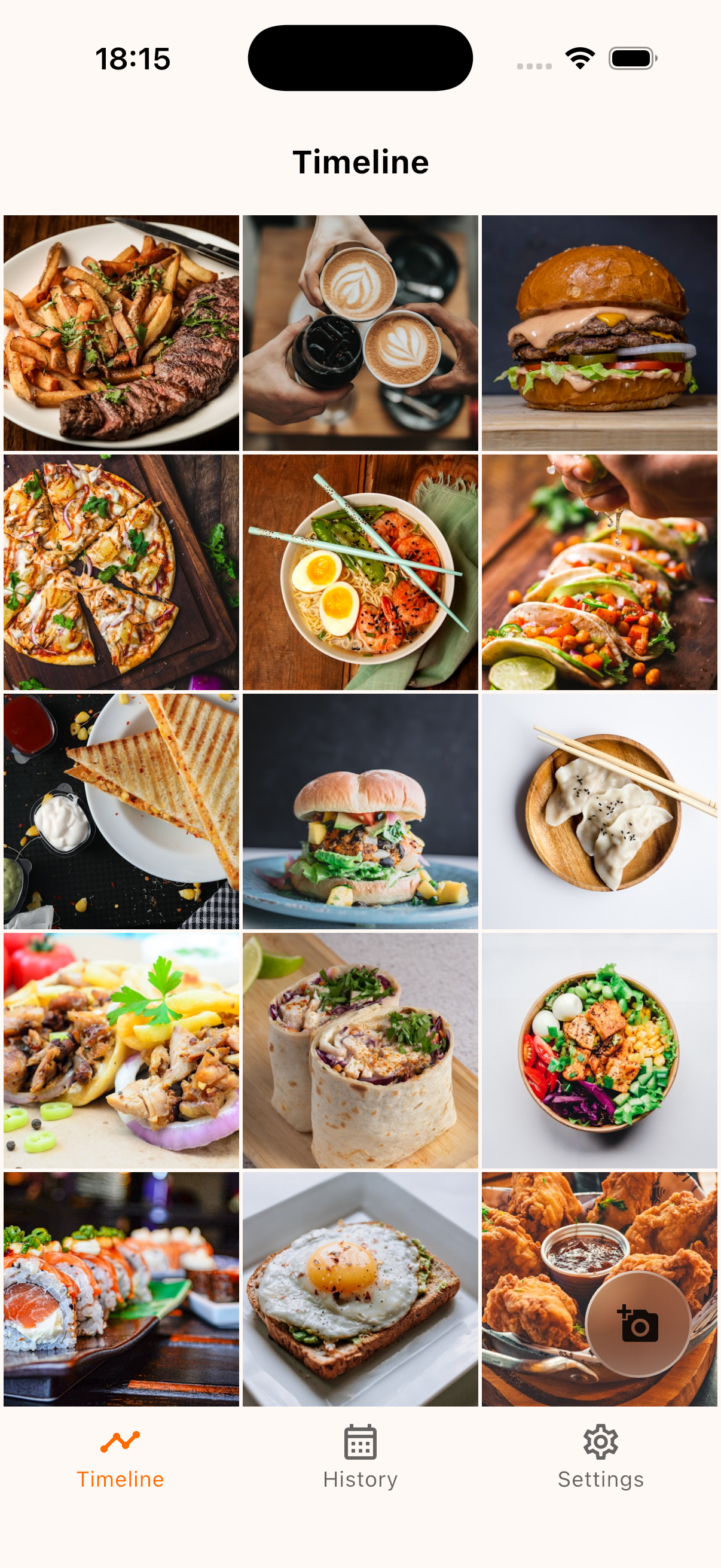
3. Viewing the Timeline
Everyone's meal records are displayed on the timeline. Feel free to send a "Like" to delicious-looking dishes.
4. Checking History
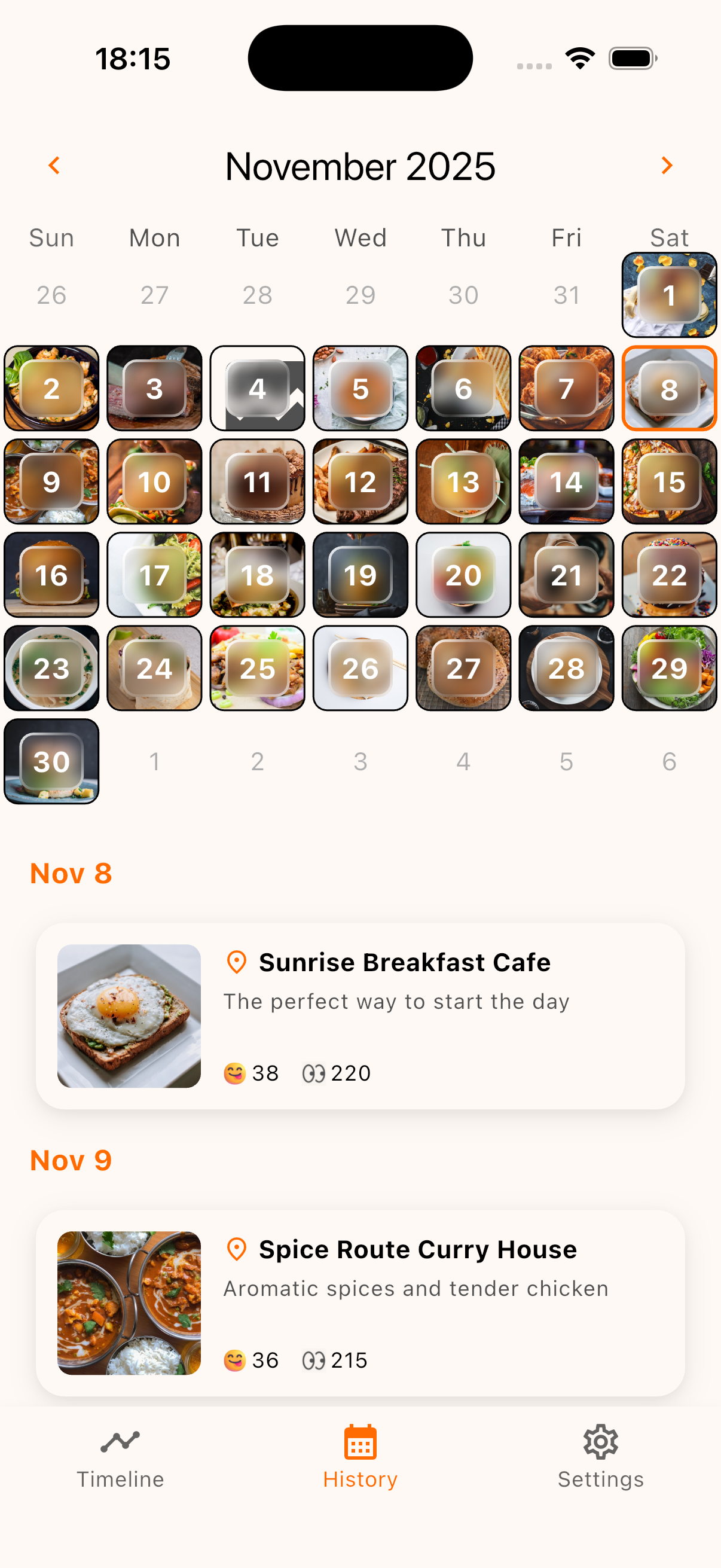
You can review your own posts in a calendar format from the "History" tab.
© 2025 Onedish. All rights reserved.